
Nullam dignissim, ante scelerisque the is euismod fermentum odio sem semper the is erat, a feugiat leo urna eget eros. Duis Aenean a imperdiet risus.
Nullam dignissim, ante scelerisque the is euismod fermentum odio sem semper the is erat, a feugiat leo urna eget eros. Duis Aenean a imperdiet risus.
The customer operates across multiple geographic locations and uses a Microsoft cloud environment for its business operations.
The customer identified the following authentication and access requirements:

In response to these requirements, Ensurity implemented its ThinC-AUTH Biometric Security Keys within the customer's Microsoft-based environment.
The security keys and supporting enrolment software were customised to enforce biometric-only authentication and eliminate password and PIN-based login methods.
Ensurity customised the ThinC-AUTH Biometric Security Keys to support the customer's authentication requirements.
This configuration required users to authenticate through their registered biometrics.
This configuration required users to authenticate through their registered biometrics.
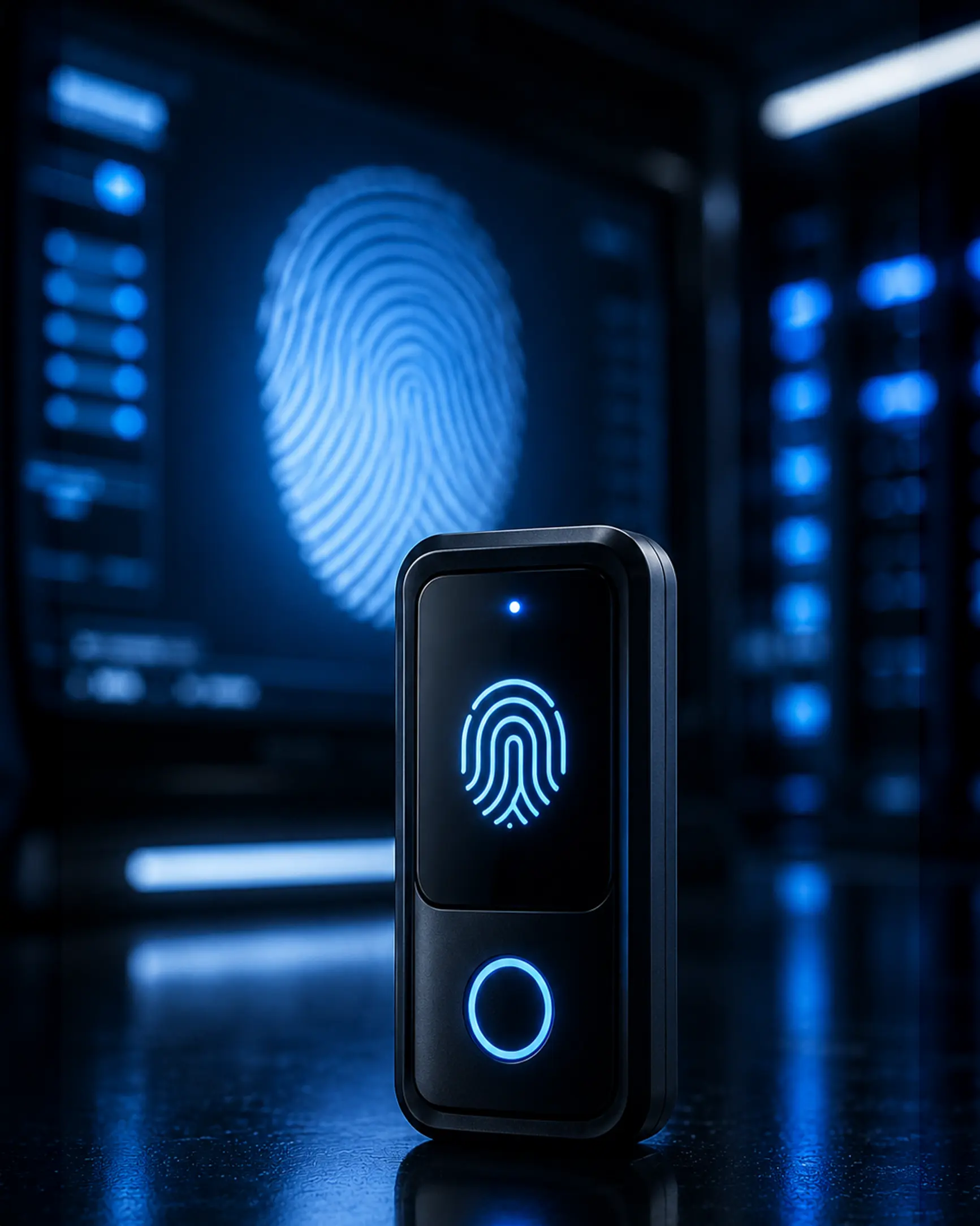
The fallback PIN authentication option was disabled to prevent users from bypassing biometric verification.
Even when an incorrect fingerprint authentication attempt was made, the security key did not fall back to PIN-based authentication.
This restricted users to authenticating exclusively through their enrolled biometrics.
Ensurity developed a customised software tool for enrolling user fingerprints and disabling PIN-based authentication.
The enrolment tool supported:
The configured settings were stored directly on the connected ThinC-AUTH device.
The configured settings were stored directly on the connected ThinC-AUTH device.
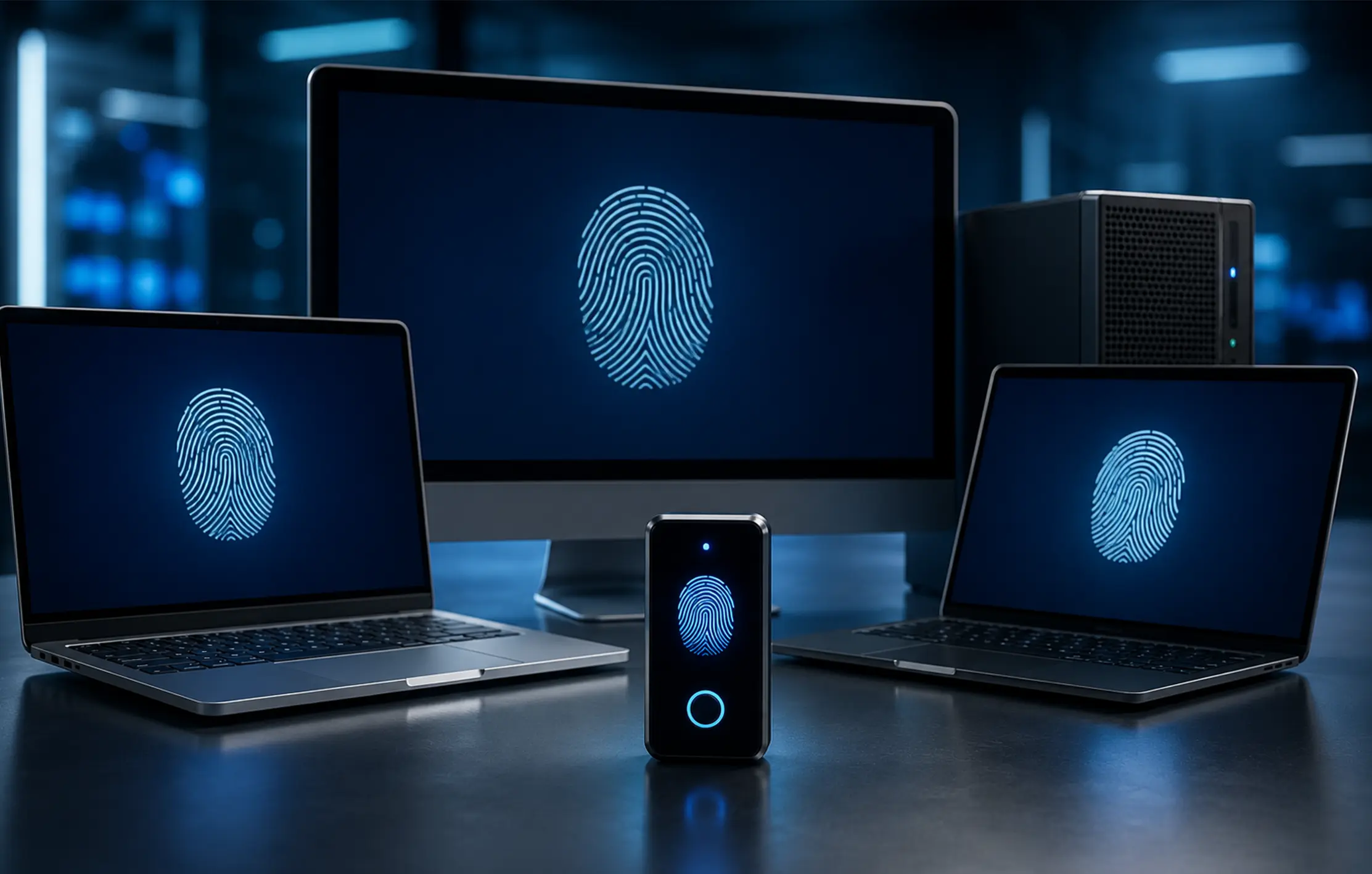
The implemented solution enabled users to log in to their Microsoft Windows systems using ThinC-AUTH Biometric Security Keys without entering their passwords.
Authentication was fully completed through the user's enrolled fingerprint.

The solution enabled employees to use different PCs within their designated work areas to access their applications.
Users could securely authenticate through their assigned ThinC-AUTH Biometric Security Keys and registered biometrics instead of relying on shared or manually entered passwords.
The implemented solution supported:
Following the implementation, users could log in to their Microsoft Windows systems through ThinC-AUTH Biometric Security Keys without entering passwords.
By disabling fallback PIN authentication, the solution ensured that users authenticated only through their enrolled biometrics.