
Nullam dignissim, ante scelerisque the is euismod fermentum odio sem semper the is erat, a feugiat leo urna eget eros. Duis Aenean a imperdiet risus.
Nullam dignissim, ante scelerisque the is euismod fermentum odio sem semper the is erat, a feugiat leo urna eget eros. Duis Aenean a imperdiet risus.
The customer operates multiple offices, development centres, and support centres across different geographic locations.
Its development centres use a Microsoft cloud environment for their operations. The organisation has deployed multiple Microsoft Windows systems connected to several local Domain Controllers, which are joined to multiple Azure AD environments.
The customer identified the following requirements as critical:

XSignOn helped the customer conduct a rapid proof of concept addressing its authentication and access requirements.
Following the successful proof of concept, XSignOn rolled out its FIDO2 biometric authentication solution across the customer's environment.
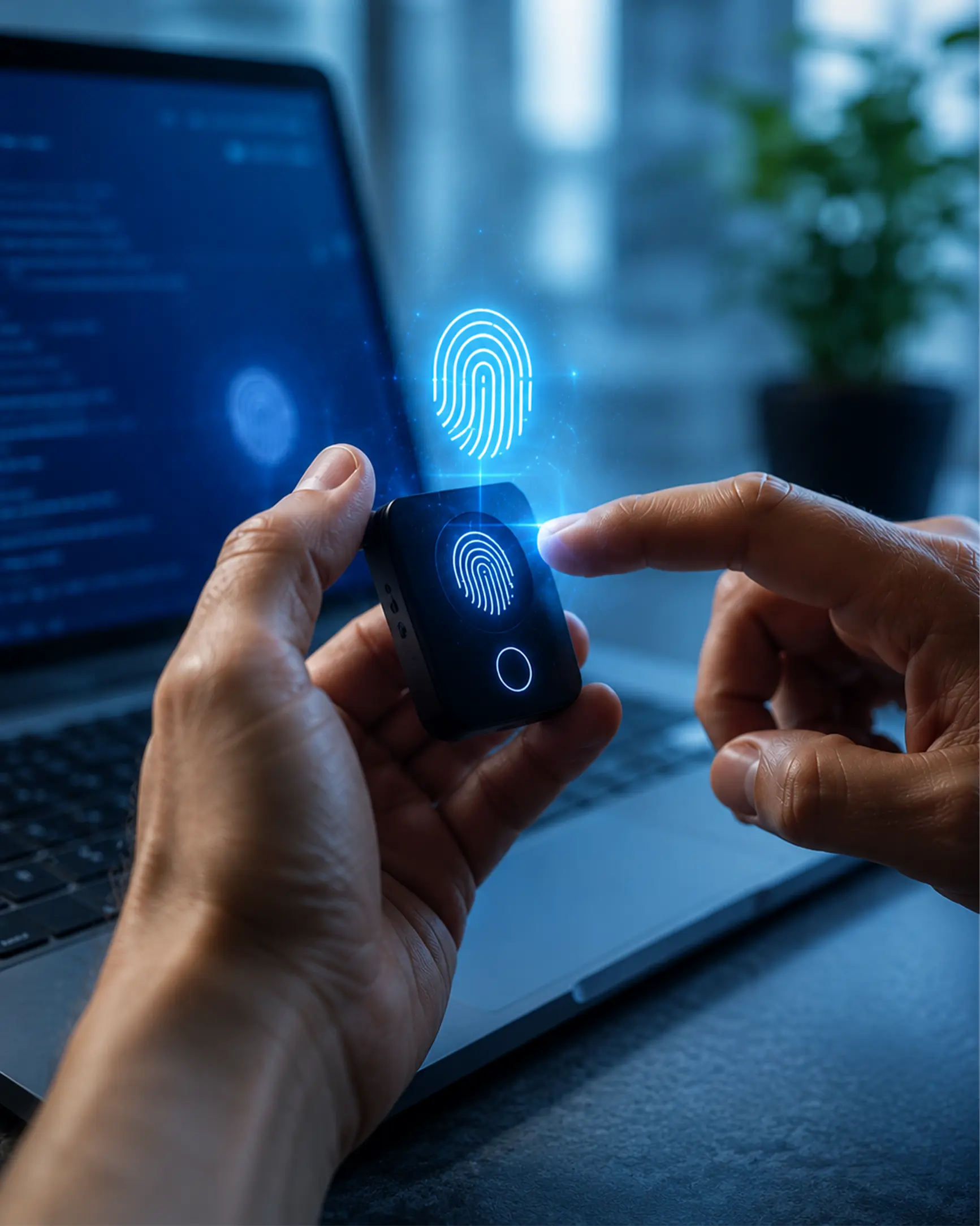
XSignOn supplied Ensurity's FIDO2-certified ThinC-AUTH Biometric Security Keys.
The customer's administrators were supported in:

XSignOn supported the customer in configuring its Windows 10 devices to enable FIDO2 authentication.
This allowed employees to use the biometric security keys within the organisation's Microsoft-based technology environment.
XSignOn demonstrated and supported the management of the customer's Windows 10 devices through Microsoft Intune.
This enabled the customer's administrators to centrally manage the devices used across its distributed development centres and offices.
XSignOn worked with the customer to configure its Hybrid Active Directory environment to support biometric and passwordless authentication across Hybrid-joined devices.
The configuration connected the customer's:

The implemented solution supported: